
See how contractors use
a training matrix to keep
teams qualified
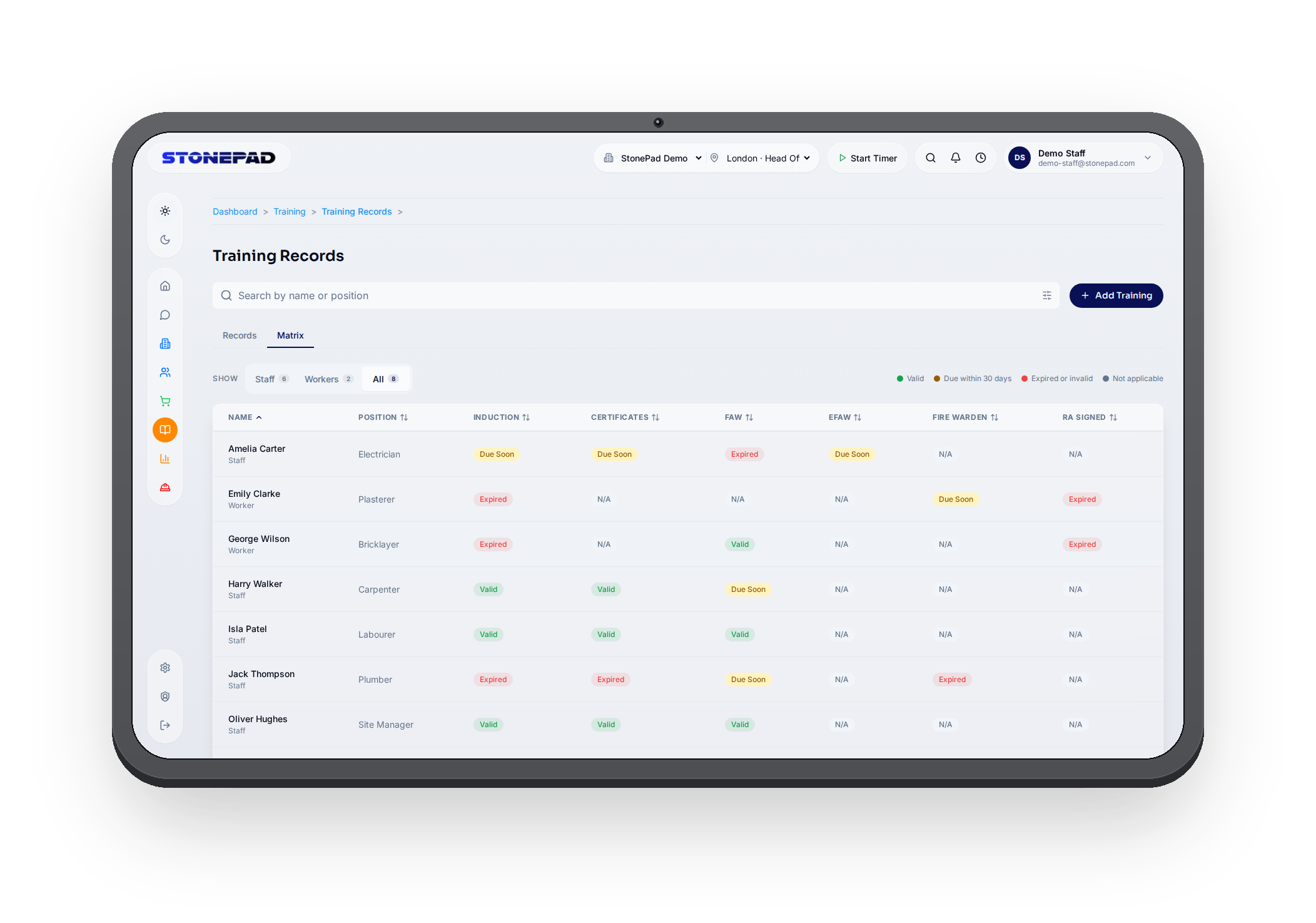
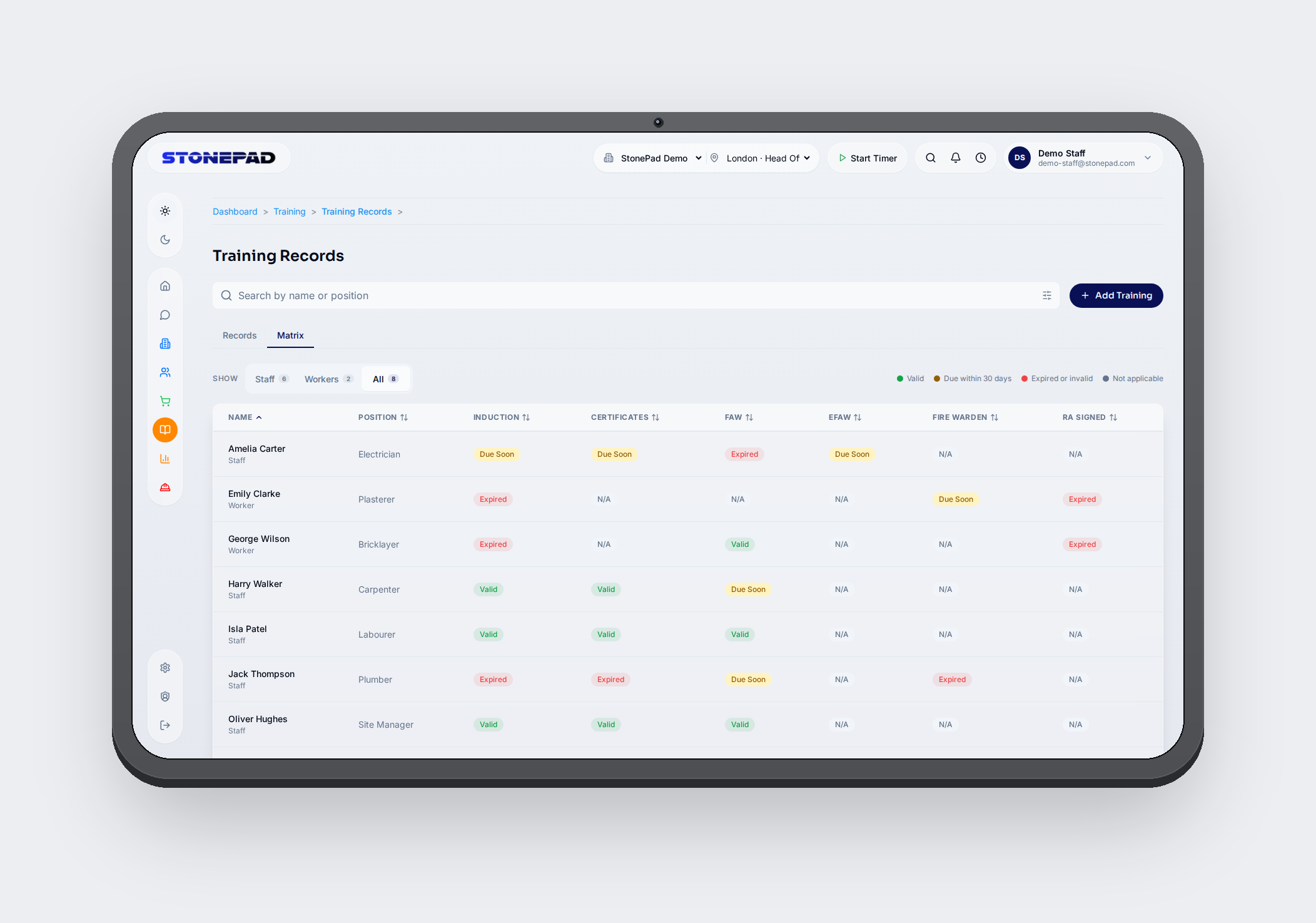
Valid, due soon and expired
3 statuses
In the DSE self-assessment
8 steps
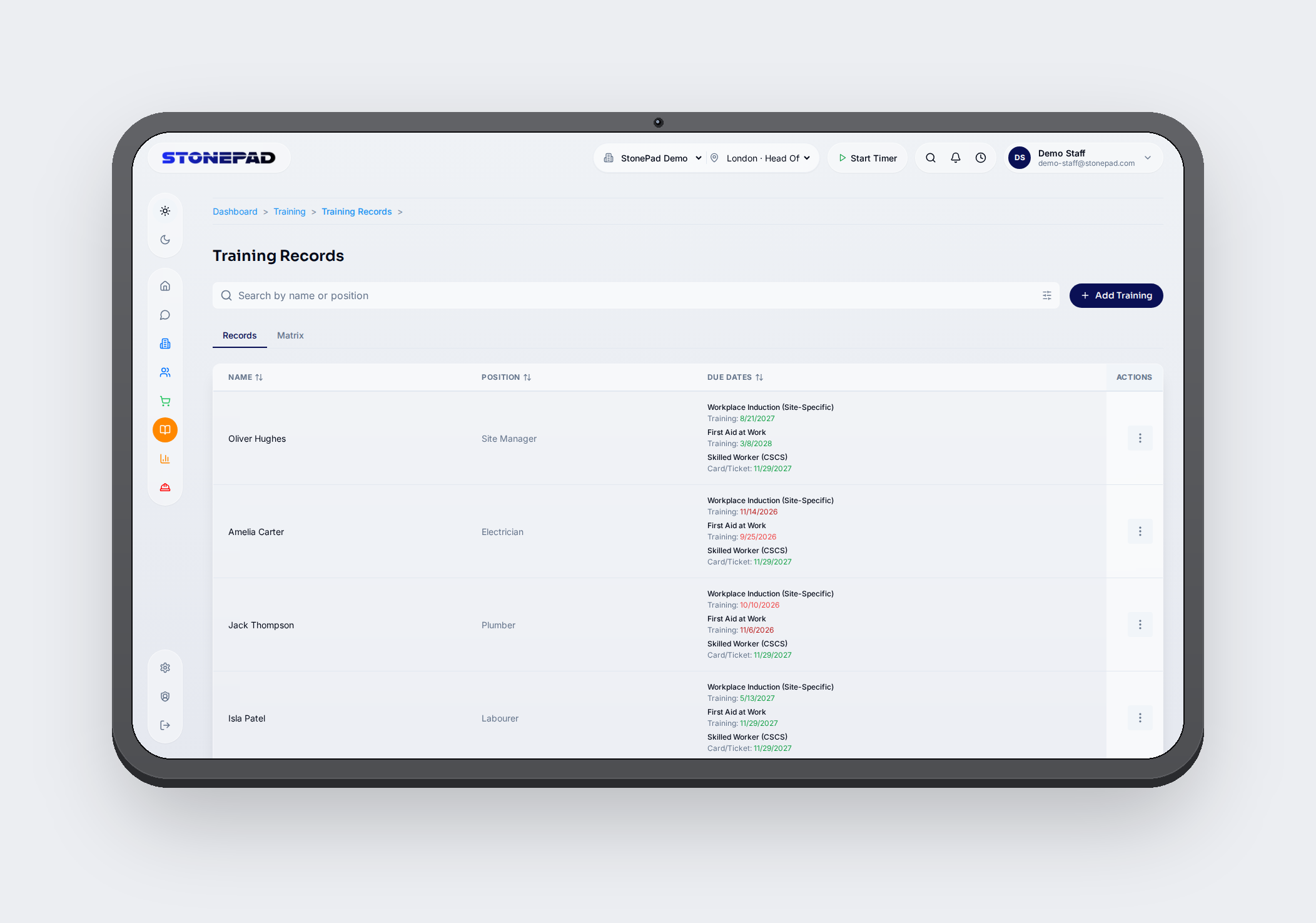
Card expiry dates recorded
Cards
Whole team at a glance
1 view


Working process
From scattered certificates to a
clear training matrix

Record training
01
Add each person's training and card expiry dates.
Read the matrix
02
Valid, due soon and expired show by person.
Complete DSE assessments
03
Staff complete an eight step DSE form, with next due dates listed.
Act before it lapses
04
Spot items that are due soon and renew before they expire.


How It Works
Everything training needs,
in one matrix
Staff complete the DSE assessment form in eight steps, and the DSE list shows submission and next due dates.
TRAINING RECORDS
Keep training and card expiry dates for each person
DUE SOON
Spot what needs renewing before it expires

Included in StonePad

THE MATRIX
See valid, due soon and expired by person
DSE ASSESSMENTS
Track DSE submissions and next due dates
DSE FORM
Staff complete an eight step self-assessment
Gallery
See it in action
Take a look at some of the screenshots of this module in StonePad.
No items found.
Problems
Training certificates in drawers and expiry dates found out the hard way.
Certificates kept in drawers and inboxes
Expired tickets found on the day
No overview of who is trained in what
DSE assessments chased by email
Card expiry dates on spreadsheets
Solutions
A training matrix that shows the whole team at a glance, so renewals are planned, not rushed.
Training and card expiry dates in one record
A matrix showing valid, due soon and expired
The whole team viewed at a glance
DSE assessments with next due dates
Items due soon visible before they expire
Ready to start?