
See how site teams use
toolbox talks to
prove every briefing happened
Ready-made toolbox talks to deliver on site
70
Attendees sign on screen, no paper sign-in sheets
Paperless
Download a record of every completed talk
PDF
Show exactly who attended and when
Proof


Working process
From paper sign-off sheets to
signed digital records

Choose or draft a talk
01
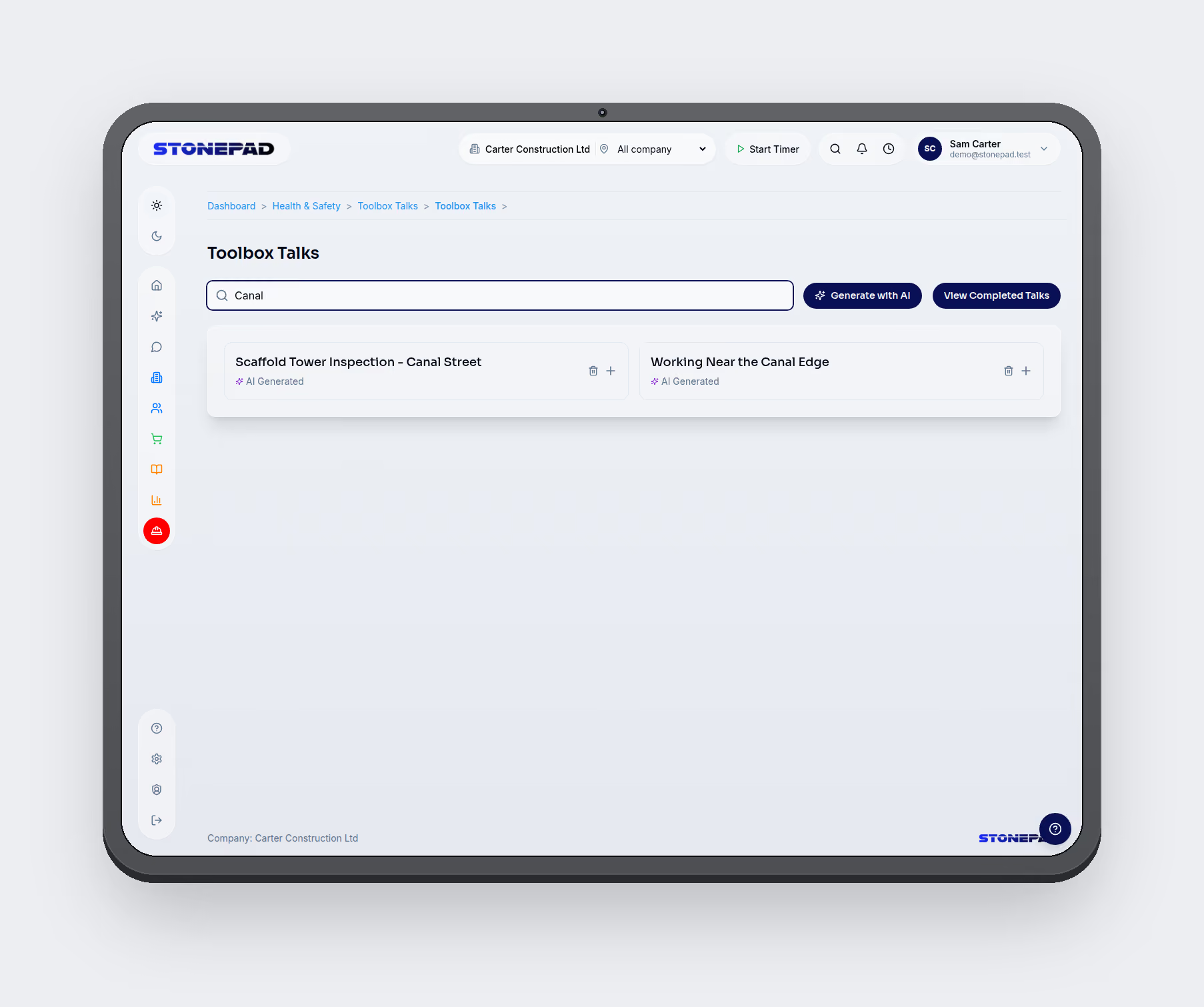
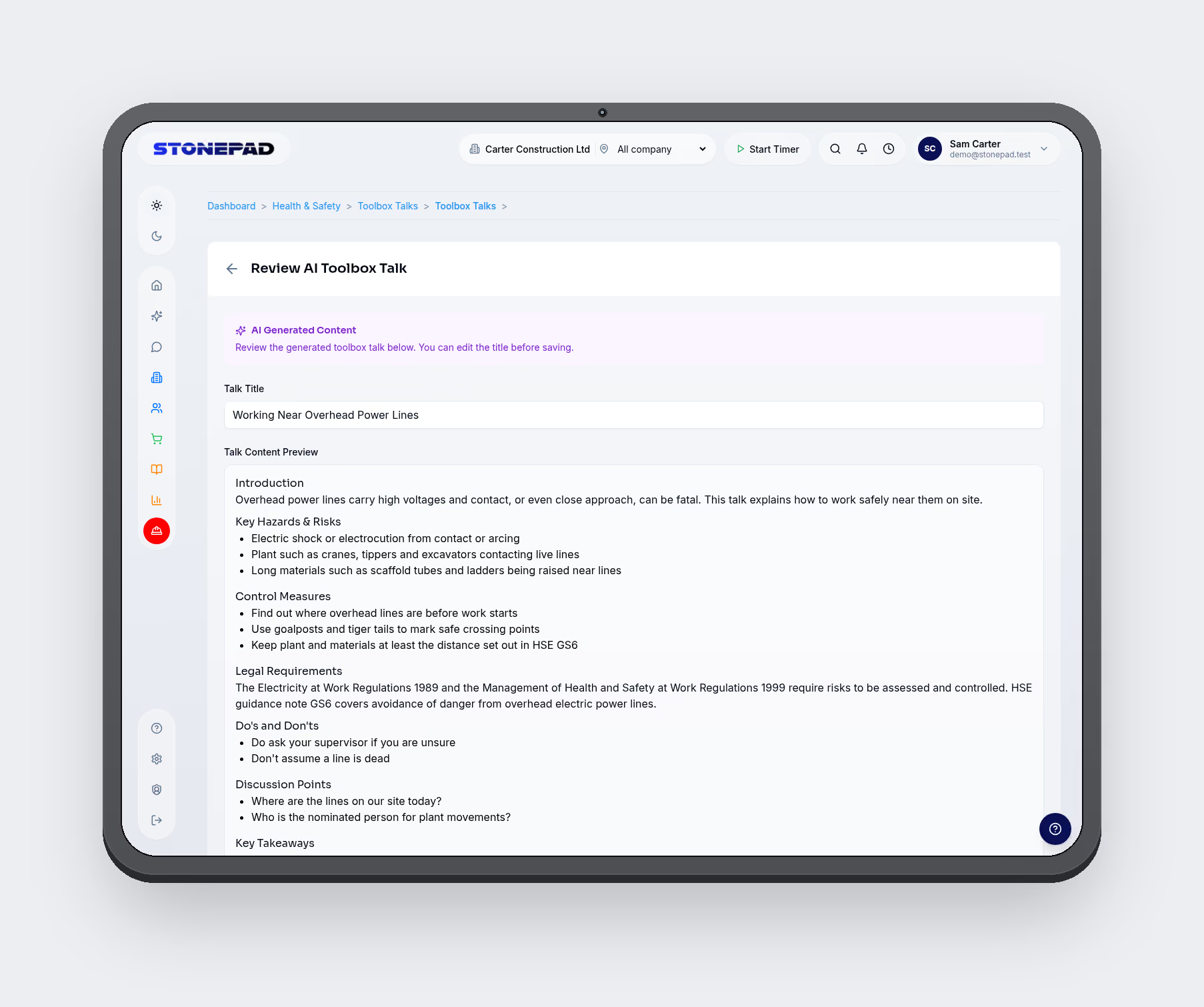
Pick from 70 built-in toolbox talks, or use Generate with AI and review the draft before saving it.
Set the context
02
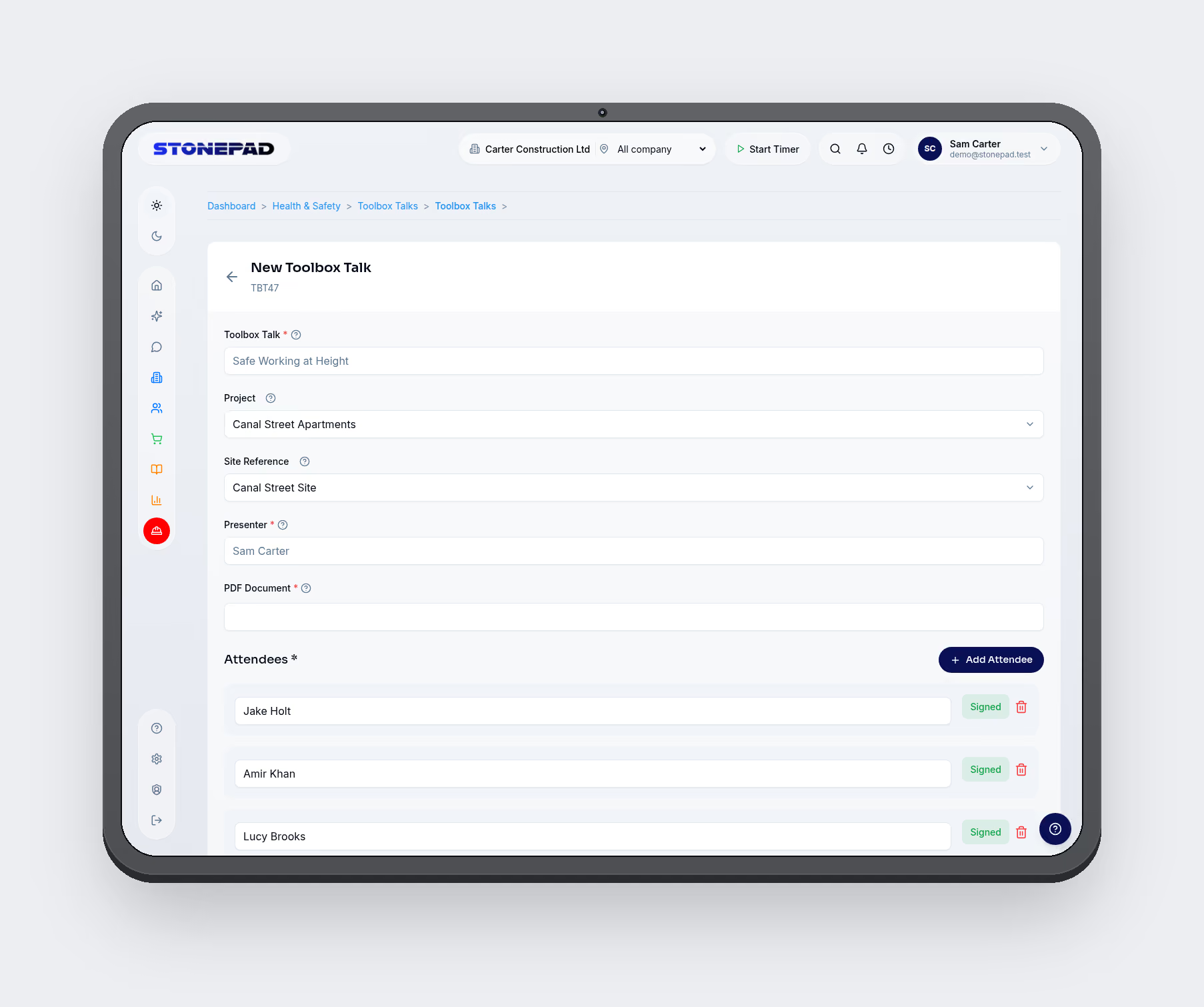
Add the Project, Site Reference and Presenter, with the talk PDF or your reviewed content.
Capture attendance
03
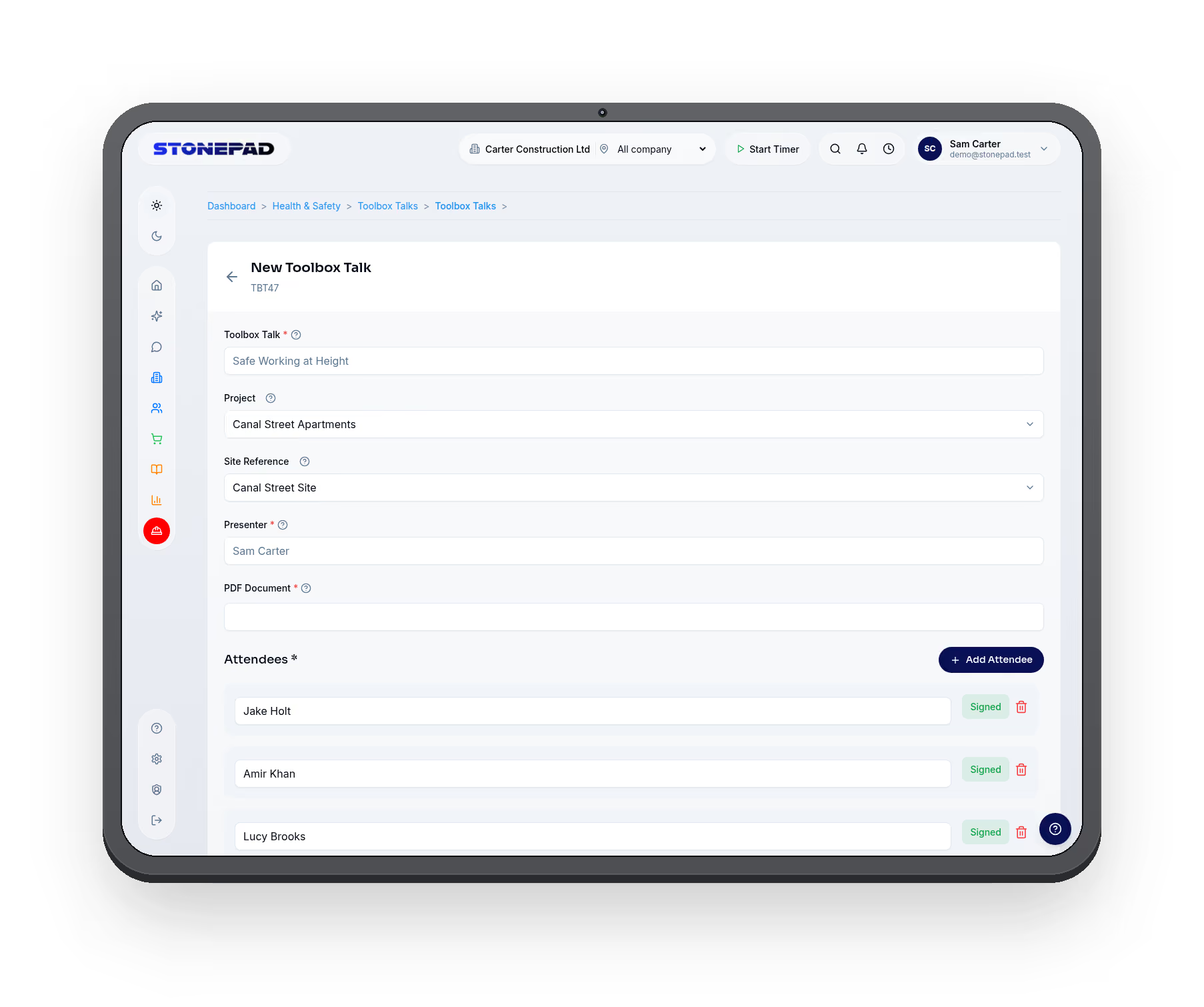
Add each attendee and have them sign on screen, so every name shows as Signed.
File the record
04
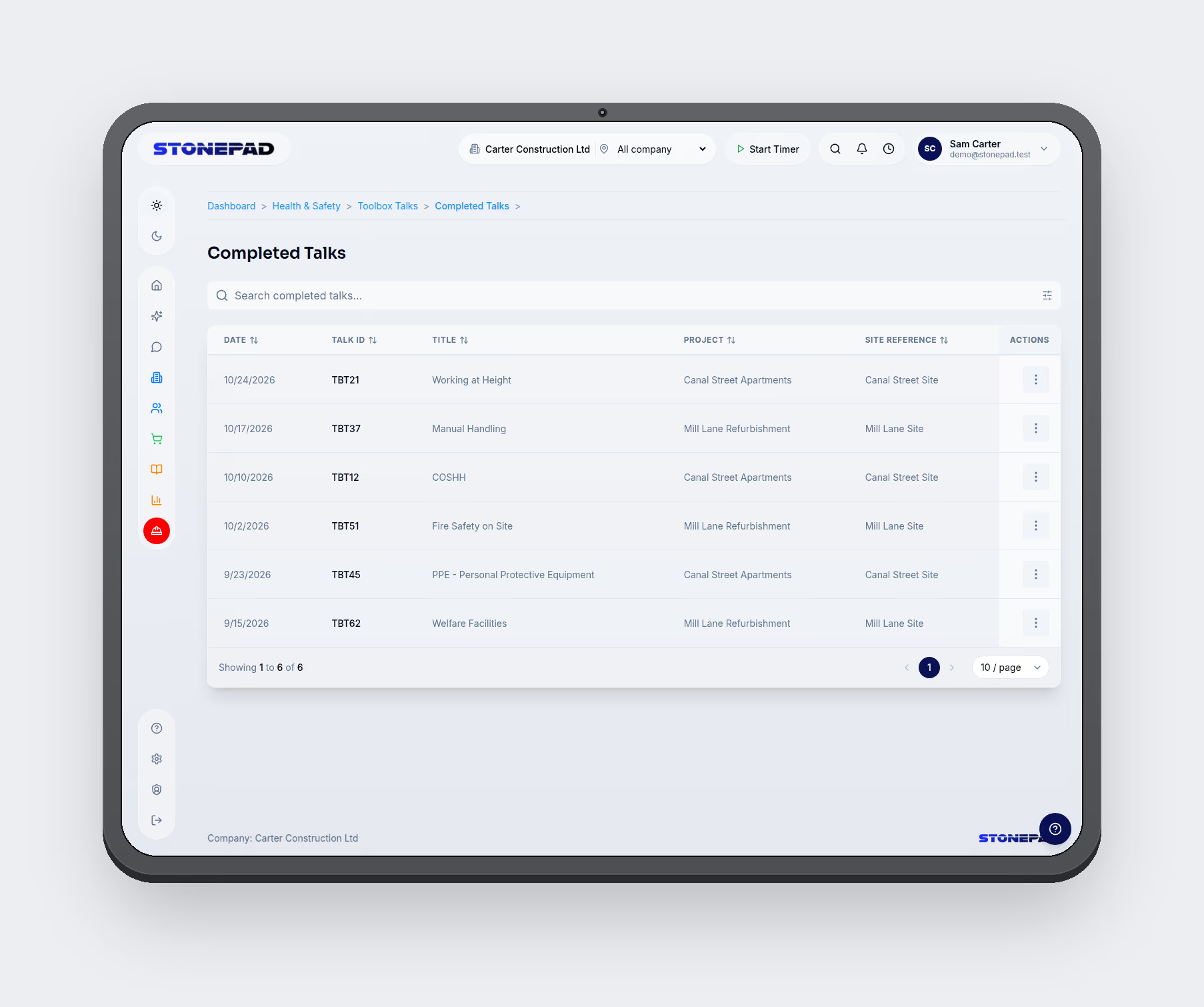
Press Start Talk to store it under Completed Talks and download the PDF record.
How It Works
Everything your toolbox talks need,
in one place
Record the Project, Site Reference and Presenter, collect on-screen signatures from every attendee and keep a PDF of each completed talk.
DELIVER A TALK
Set up a toolbox talk and add attendees by project and site
ON-SCREEN SIGNATURES
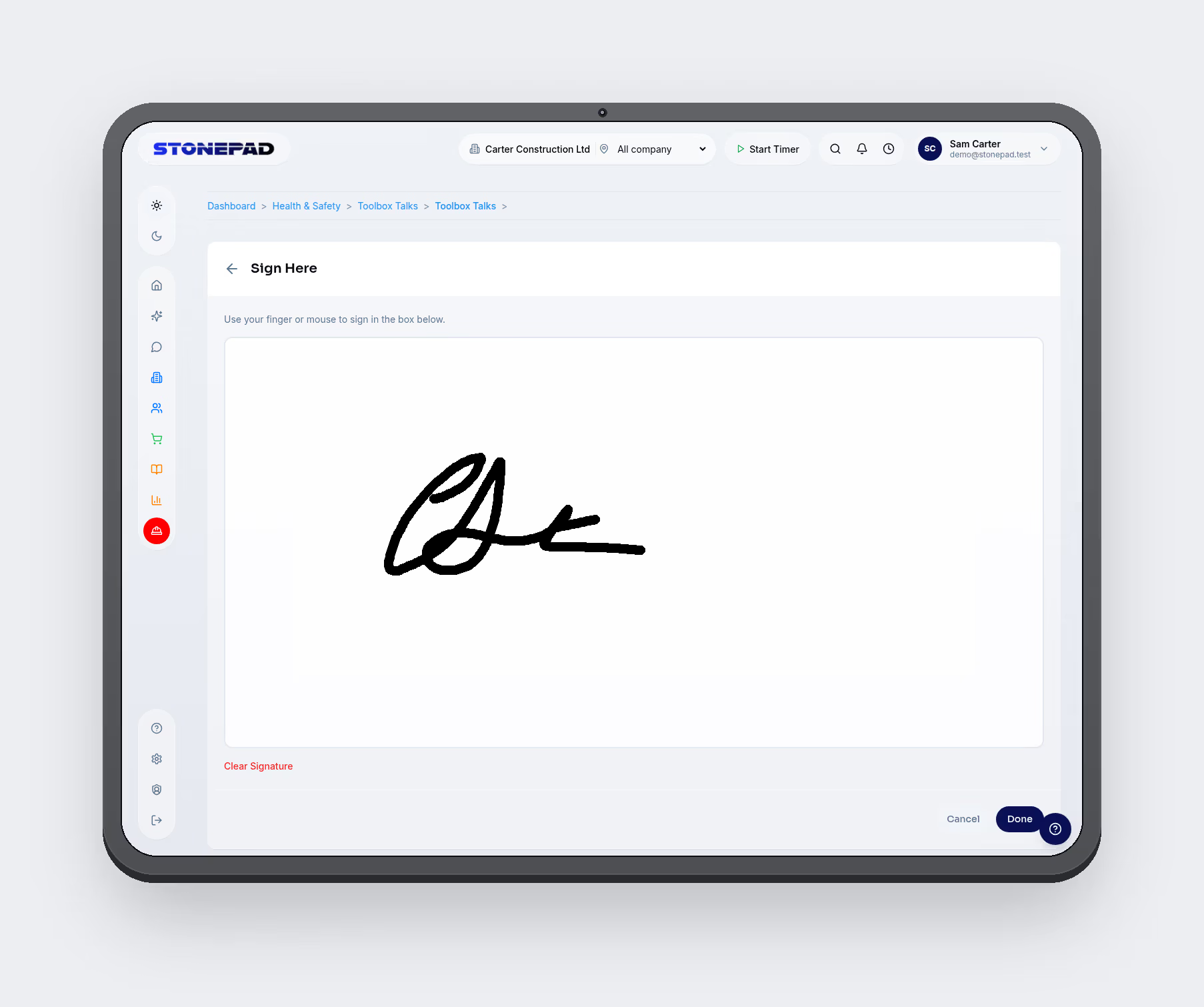
Each attendee signs the toolbox talk on screen

Included in StonePad

AI TALK DRAFT
Draft a toolbox talk with AI, review it, then start the talk
PDF LIBRARY
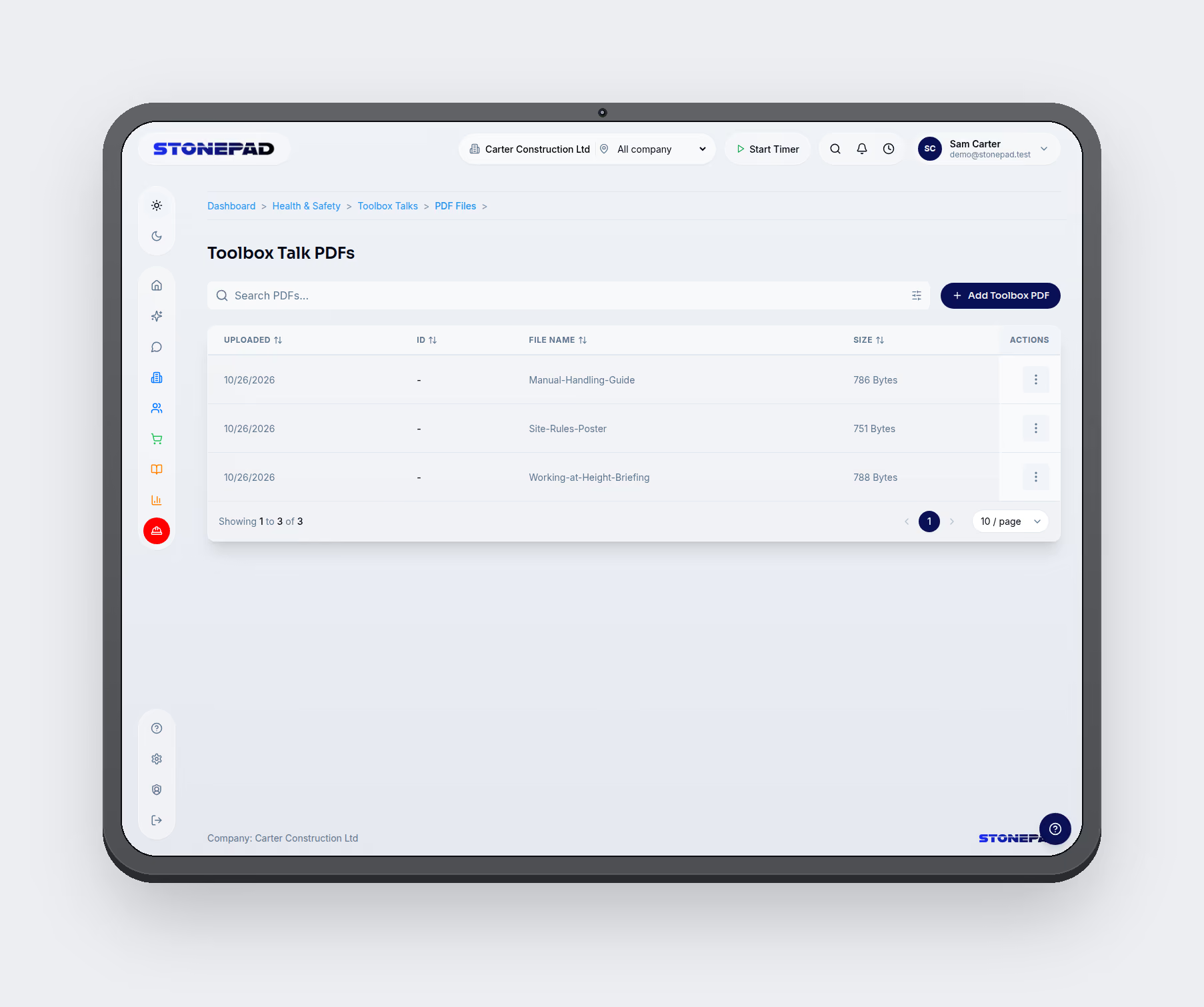
Upload your own toolbox talk PDFs to the PDF library
COMPLETED TALKS
Open a completed toolbox talk record as a PDF with signatures
Gallery
See it in action
Take a look at some of the screenshots of this module in StonePad.
No items found.
Problems
Everyday briefing problems that leave you without proof when it matters most.
Paper toolbox talk sheets get lost
A small, tired library of topics
No proof of who actually attended
Writing new talks from scratch takes ages
Talk PDFs scattered across shared drives
Solutions
Built-in toolbox talk tools that help you deliver, sign and file every briefing.
A digital Completed Talks register with PDF
70 built-in talks plus your own custom talks
Named attendees with on-screen signatures
AI drafts you review before saving
An in-app PDF Files library
Ready to start?