
See how contractors use
job scheduling and crew
planning to run the week
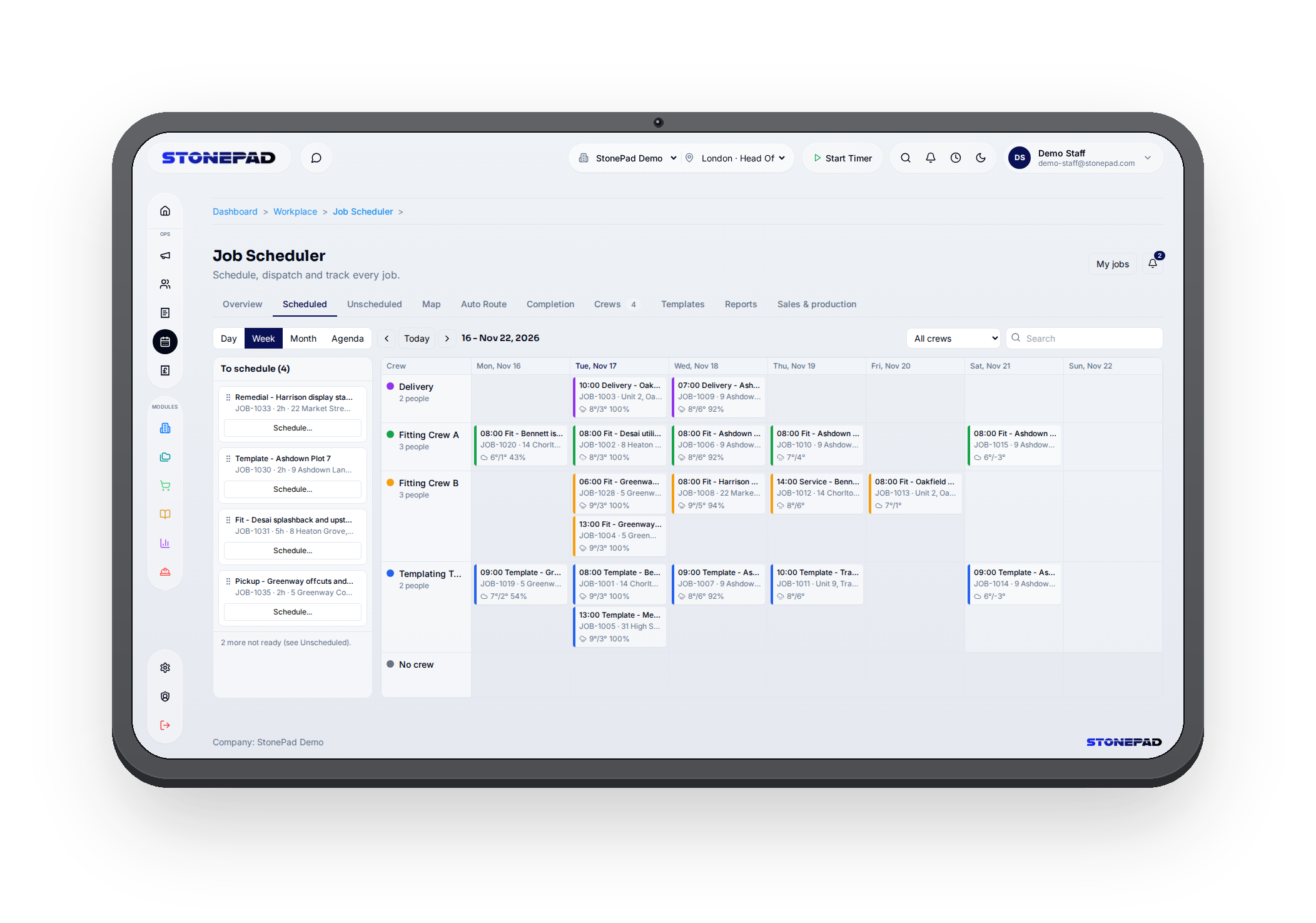
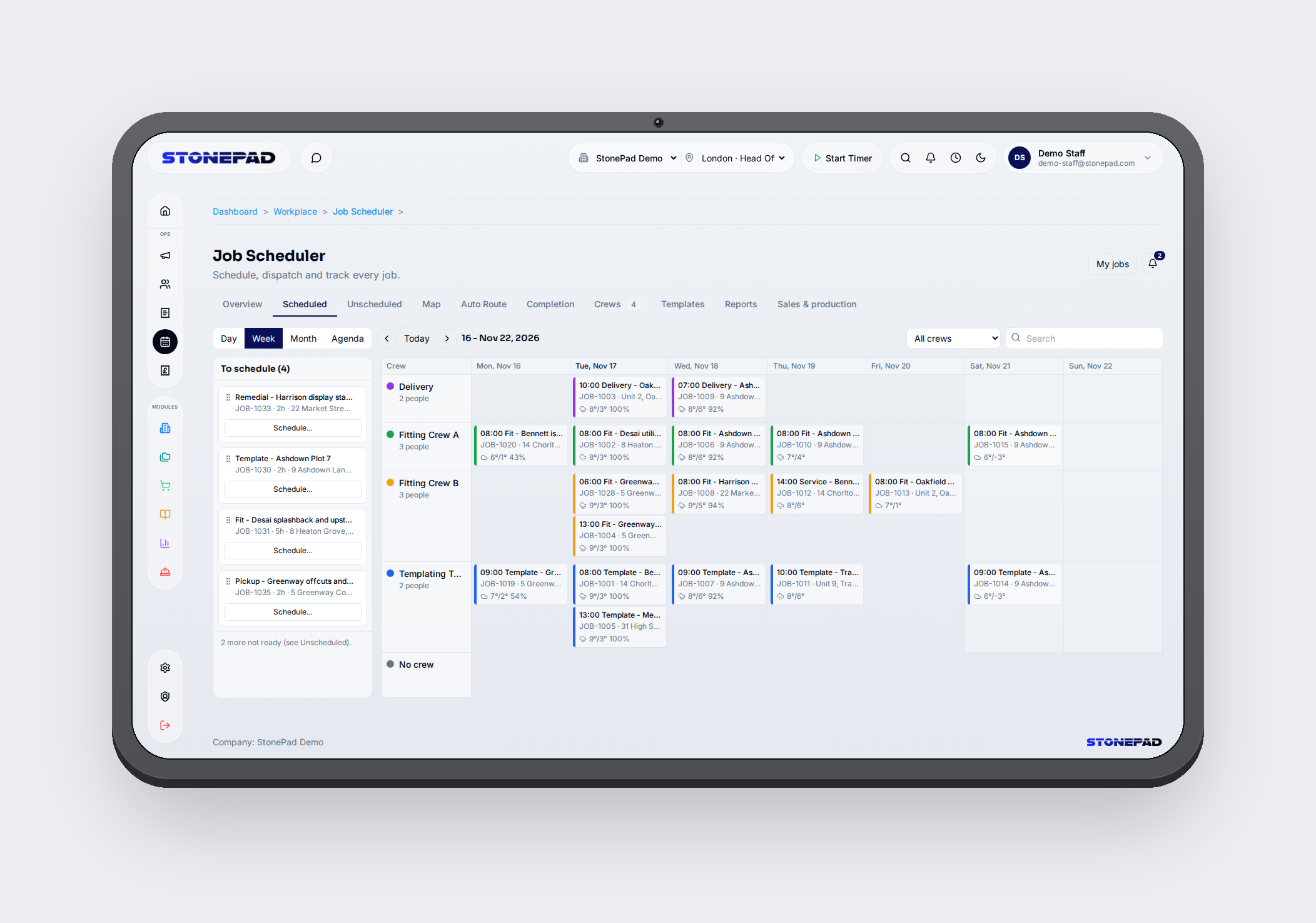
For every crew's week
1 board
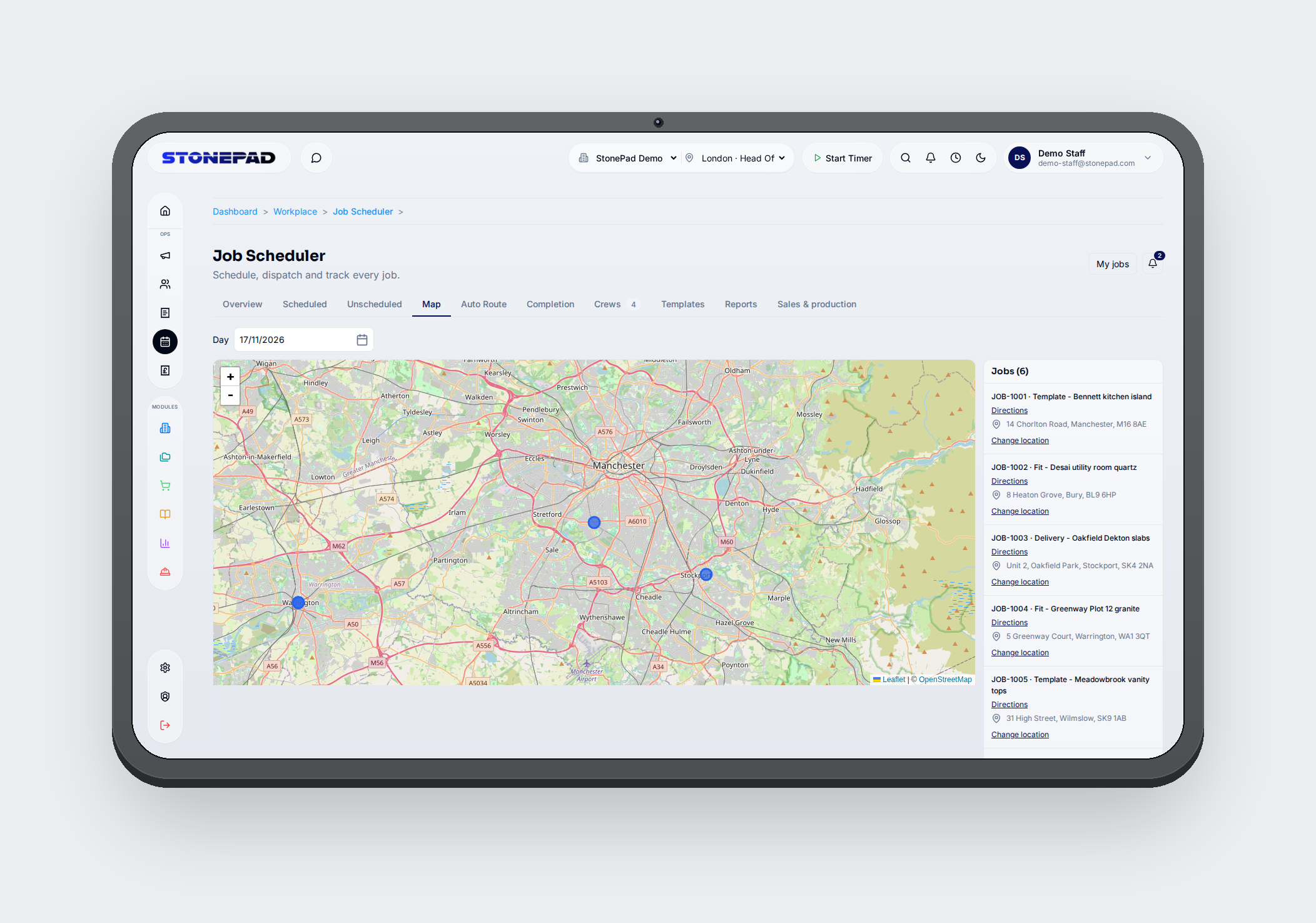
The day's jobs with directions
Map
Fixed and flexible crews
2 types
Crew utilisation and jobs by status
Reports


Working process
From accepted quote to a
job done and ready to invoice

Pick up accepted jobs
01
Accepted quotes without a job appear in the unscheduled list with a readiness badge.
Plan the week
02
Place jobs from the queue onto a crew and day on the week board.
Send crews out
03
Fitters see today's jobs and directions in My jobs, and the map shows the day's route.
Approve and invoice
04
Review finished jobs, handle revisits and mark jobs ready to invoice.



How It Works
Everything job planning needs,
on one board
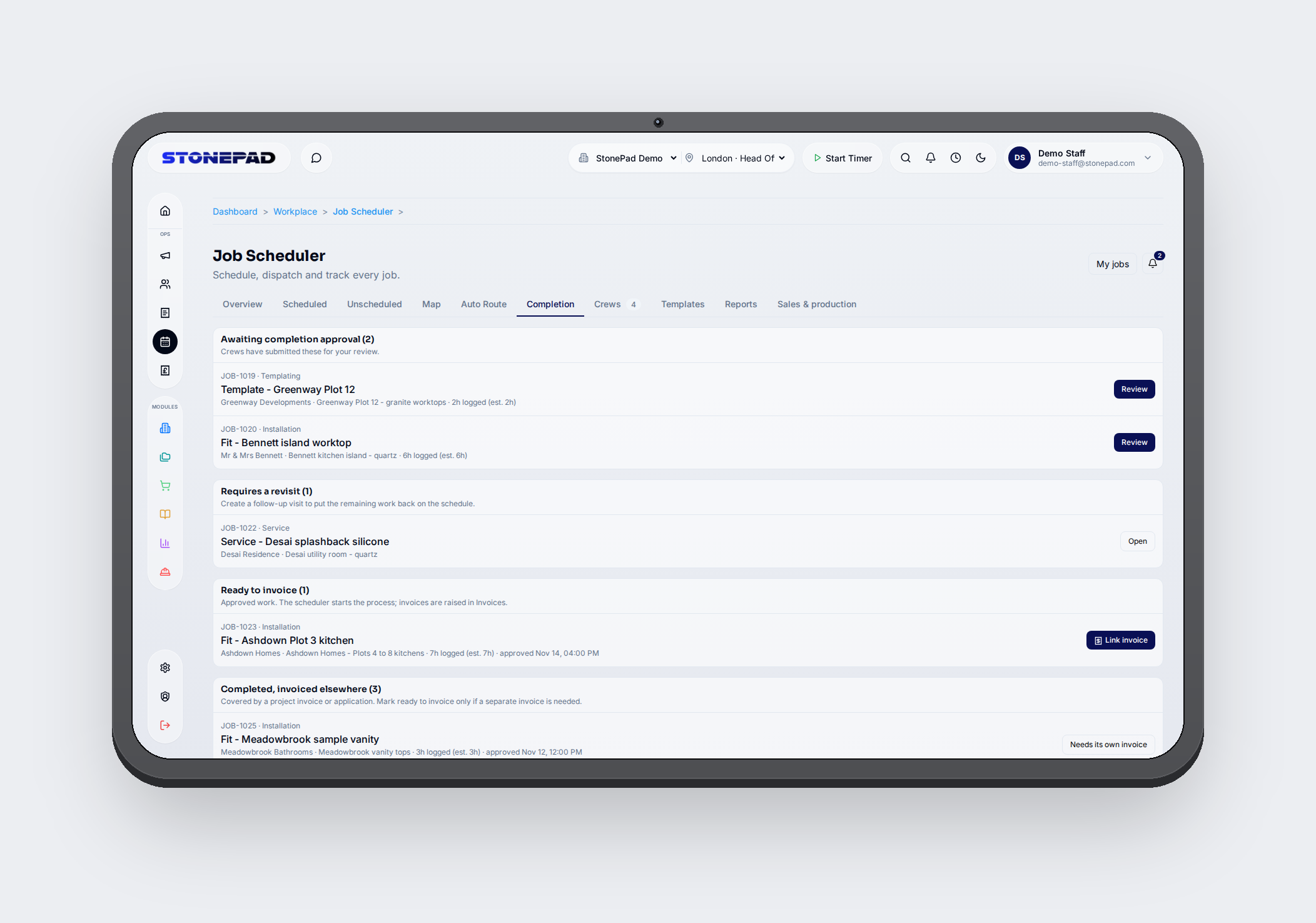
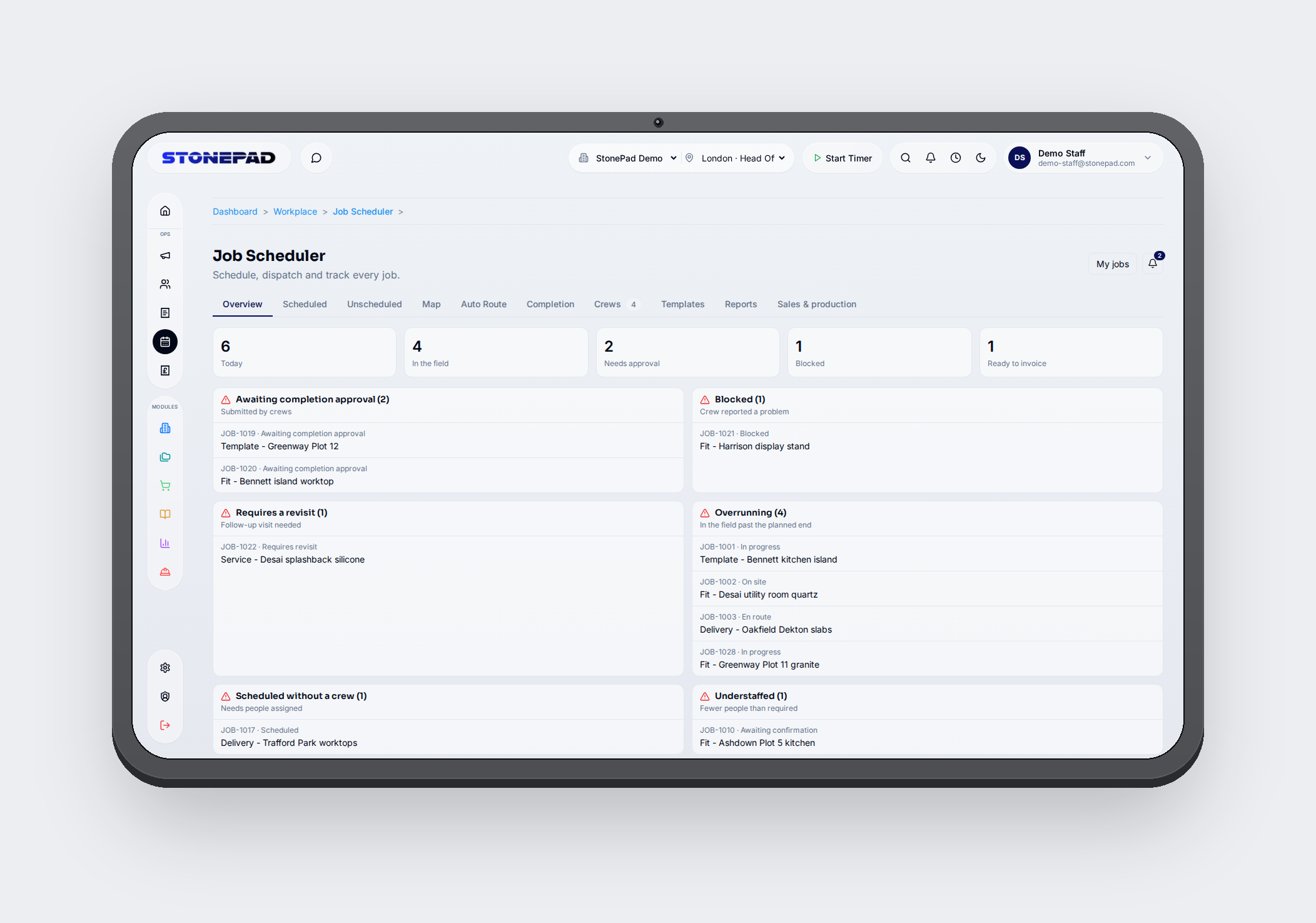
Fitters open My jobs to see today's work. When jobs finish, the Completion tab shows what is awaiting approval, what needs a revisit and what is ready to invoice.
WEEK BOARD
See every crew and job for the week on one board
AUTO ROUTE
Get a suggested job order for each crew

Included in StonePad

UNSCHEDULED JOBS
Spot accepted quotes that still need a job
CREWS
Set up fixed and flexible crews with vehicles and members
COMPLETION
Approve finished jobs and mark them ready to invoice
Gallery
See it in action
Take a look at some of the screenshots of this module in StonePad.


No items found.
Problems
Whiteboards, phone calls and WhatsApp groups that leave crews double booked and jobs forgotten.
Whiteboards and WhatsApp groups for planning
Accepted quotes that never become jobs
Crews driving back and forth between sites
No idea which jobs are finished or blocked
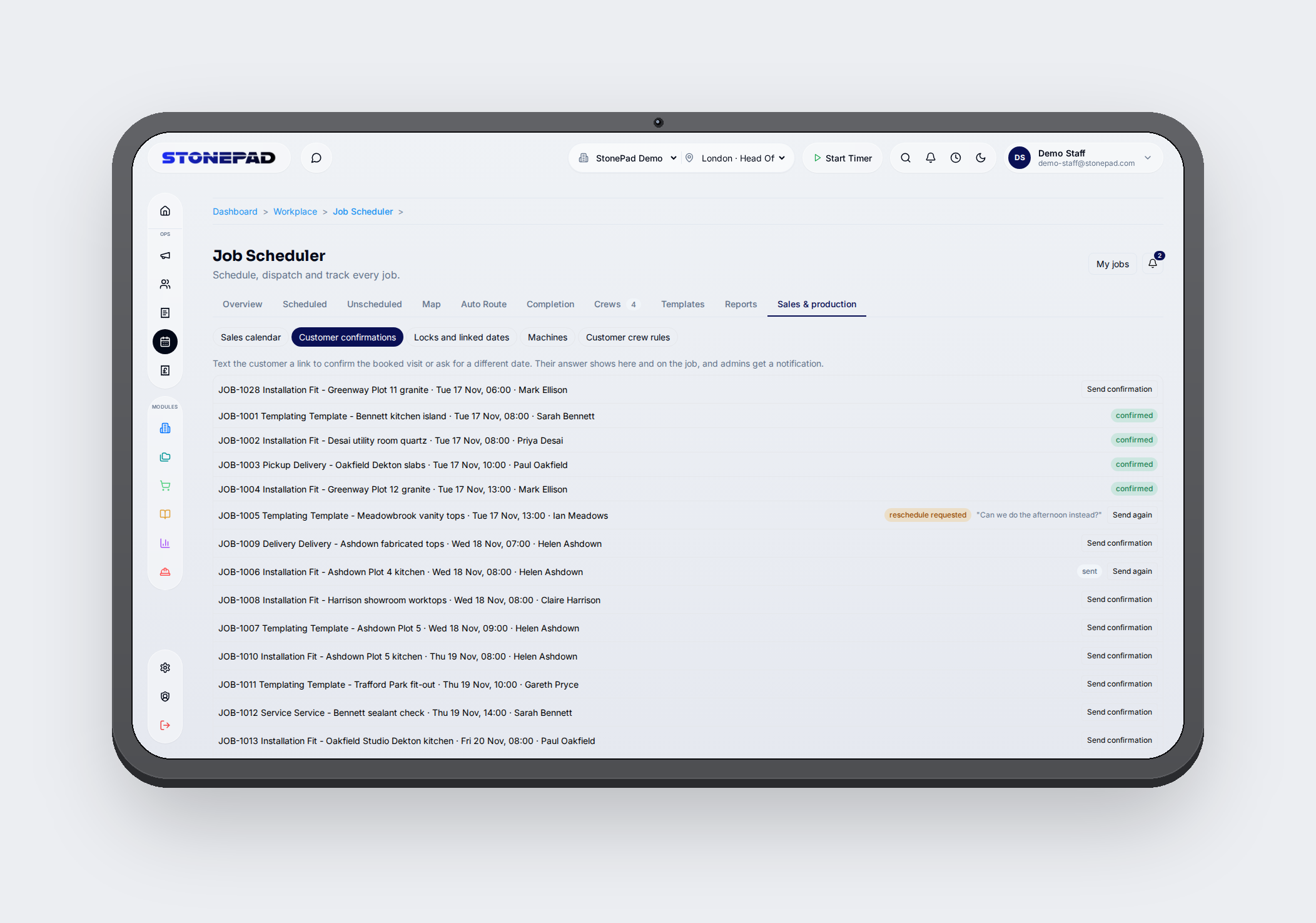
Customers rescheduling by phone
Solutions
One board for jobs, crews and customers, from accepted quote to ready to invoice.
One week board for every crew
An unscheduled list with readiness badges
Auto route suggests the job order
An overview of jobs today, in the field and blocked
Customer reschedule requests in one list
Ready to start?