
See how contractors use
temporary works records to
show the design was checked
Register, appointments, checks and permits
4 registers
Design check categories supported
0 to 3
Permit to load blocked without a check
Gated
Temporary works register as a PDF
1 click



Working process
From appointment to a
permit to load

Appoint
01
Record the TWC and TWS for the project with their competence evidence.
Register the item
02
Add the item with its type, design brief and design check category.
Check the design
03
Attach the design check certificate from the independent checker.
Issue permits
04
Issue the permit to load, then the permit to strike when work is done.


How It Works
Everything BS 5975 needs,
in one section
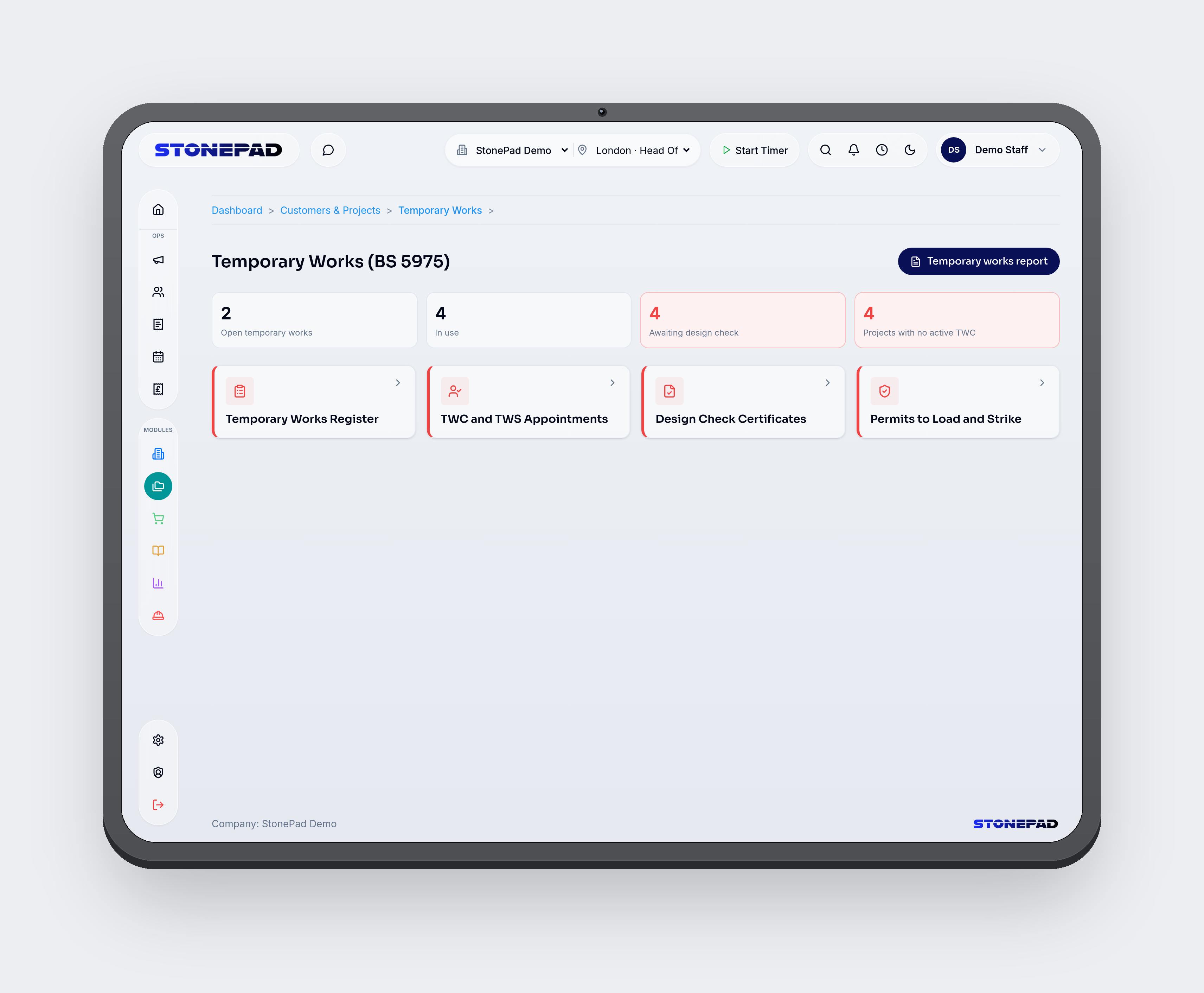
Attach design check certificates (categories 0 to 3) and issue permits to load and strike. A permit to load is blocked until the right category of design check is on file.
TEMPORARY WORKS REGISTER
Every item with its design brief, designer and status
DESIGN CHECKS
Attach design check certificates by category

Included in StonePad

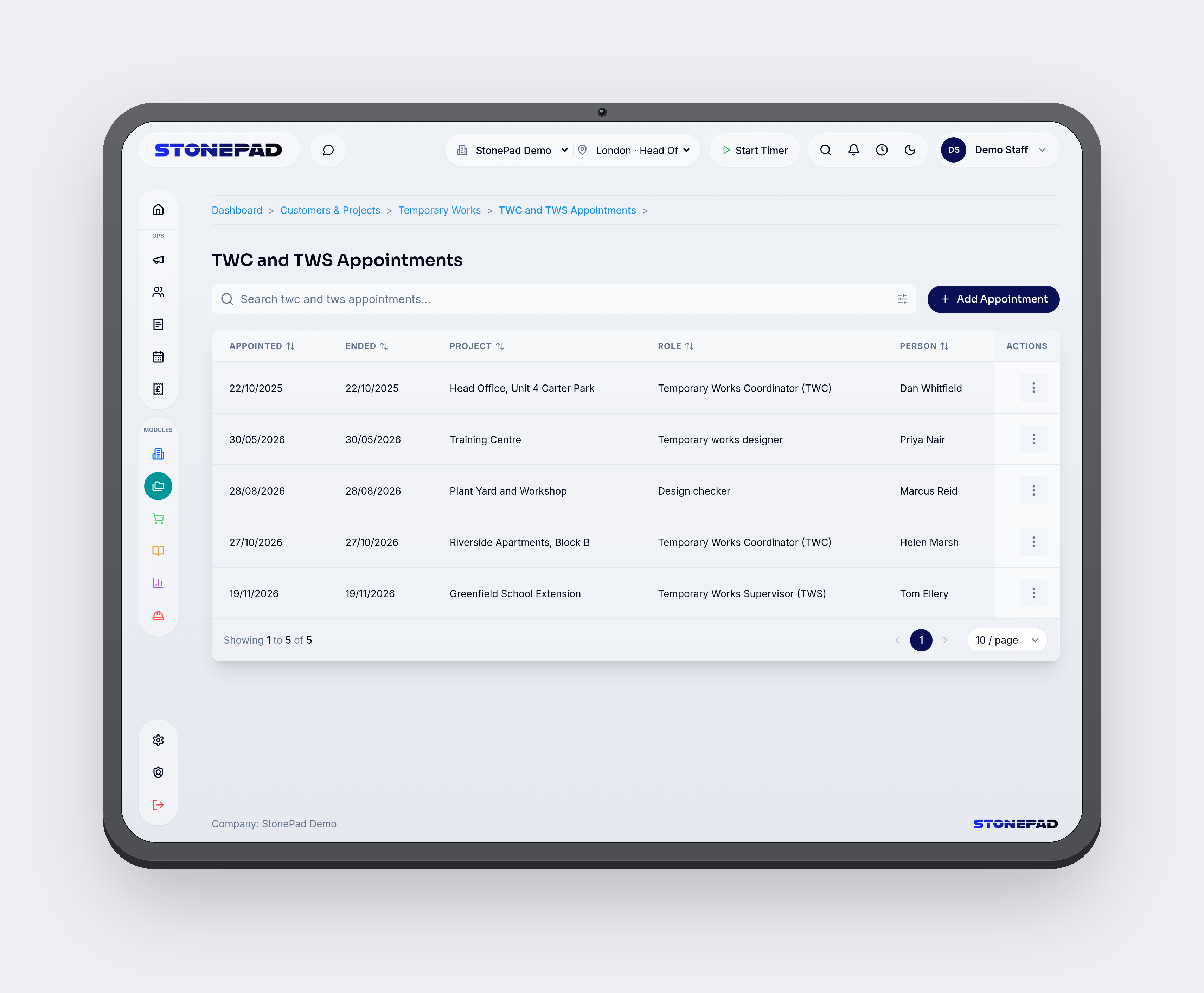
APPOINTMENTS
Record the TWC and TWS appointed for each project
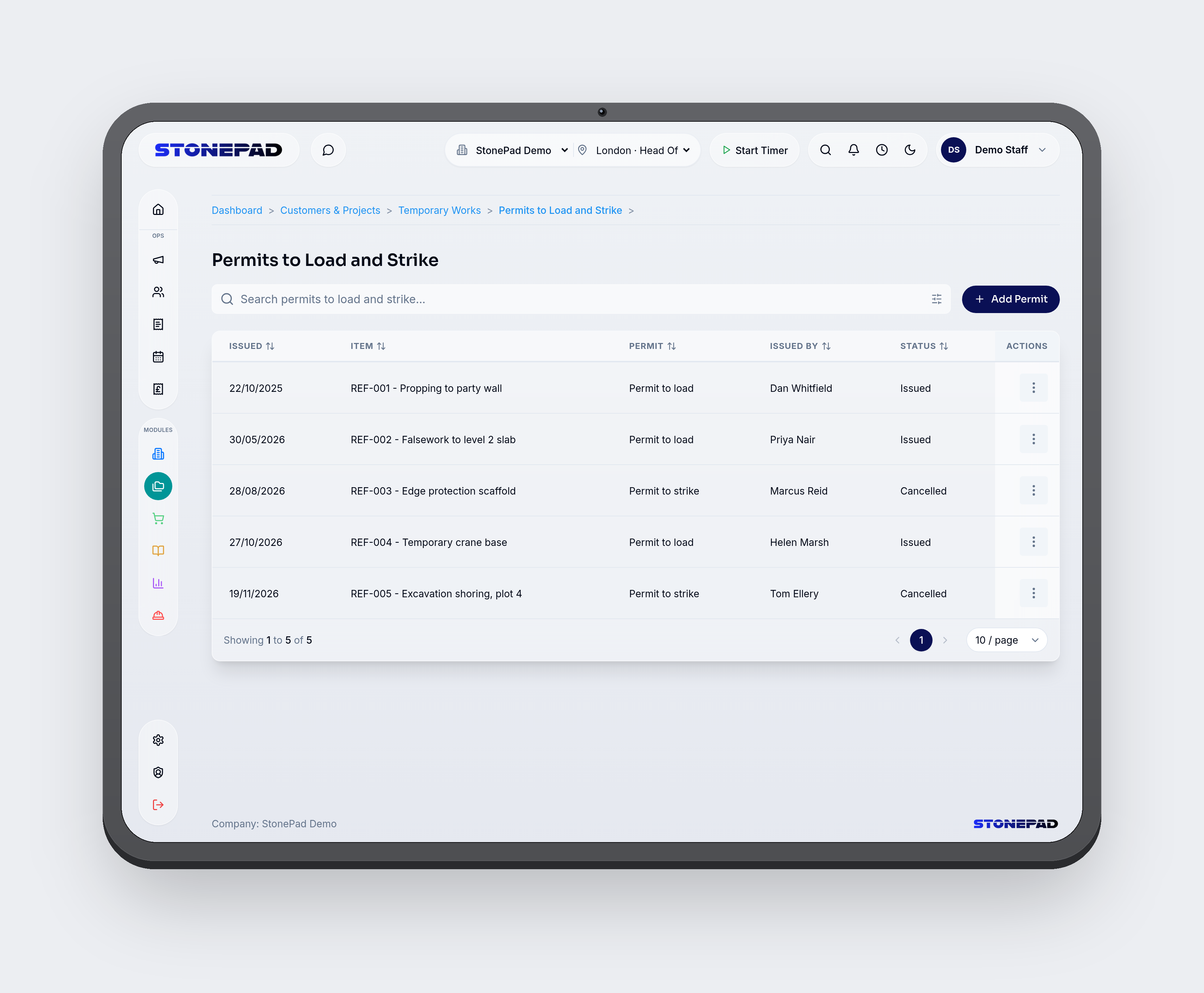
PERMITS
Issue permits to load and strike from the register
TEMPORARY WORKS HUB
Open the register, checks and permits from one place
Gallery
See it in action
Take a look at some of the screenshots of this module in StonePad.
No items found.
Problems
Temporary works tracked on paper make it hard to show who was appointed and whether the design was checked.
No record of who was TWC or TWS
Design briefs that never reach the designer
Design checks missing at the point of loading
Permits to load issued with no check on file
Strike signed off with no record
Solutions
Appointments, briefs, design checks and permits held per project, with the permit gate built in.
TWC and TWS appointed per project
Every item registered with its design brief
Design check certificates by category 0 to 3
Permit to load blocked until the check exists
Permits to load and strike on record
Ready to start?