



Working process
From a new event to a
tidy filing cabinet

Add an event
01
Choose the calendar, time, location and the staff involved.
Switch the view
02
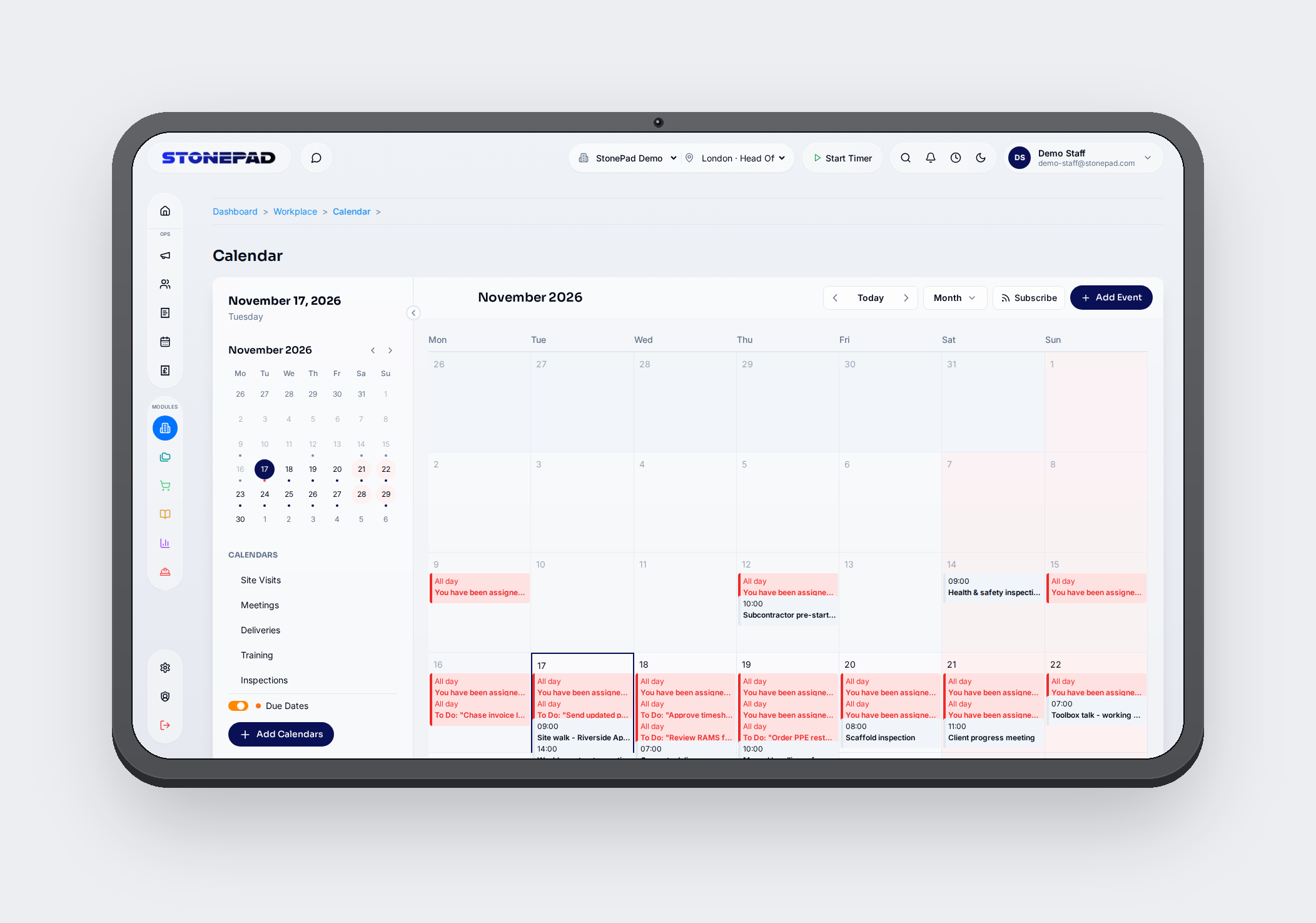
Use the month, week or agenda view, with to-do due dates beside events.
File the documents
03
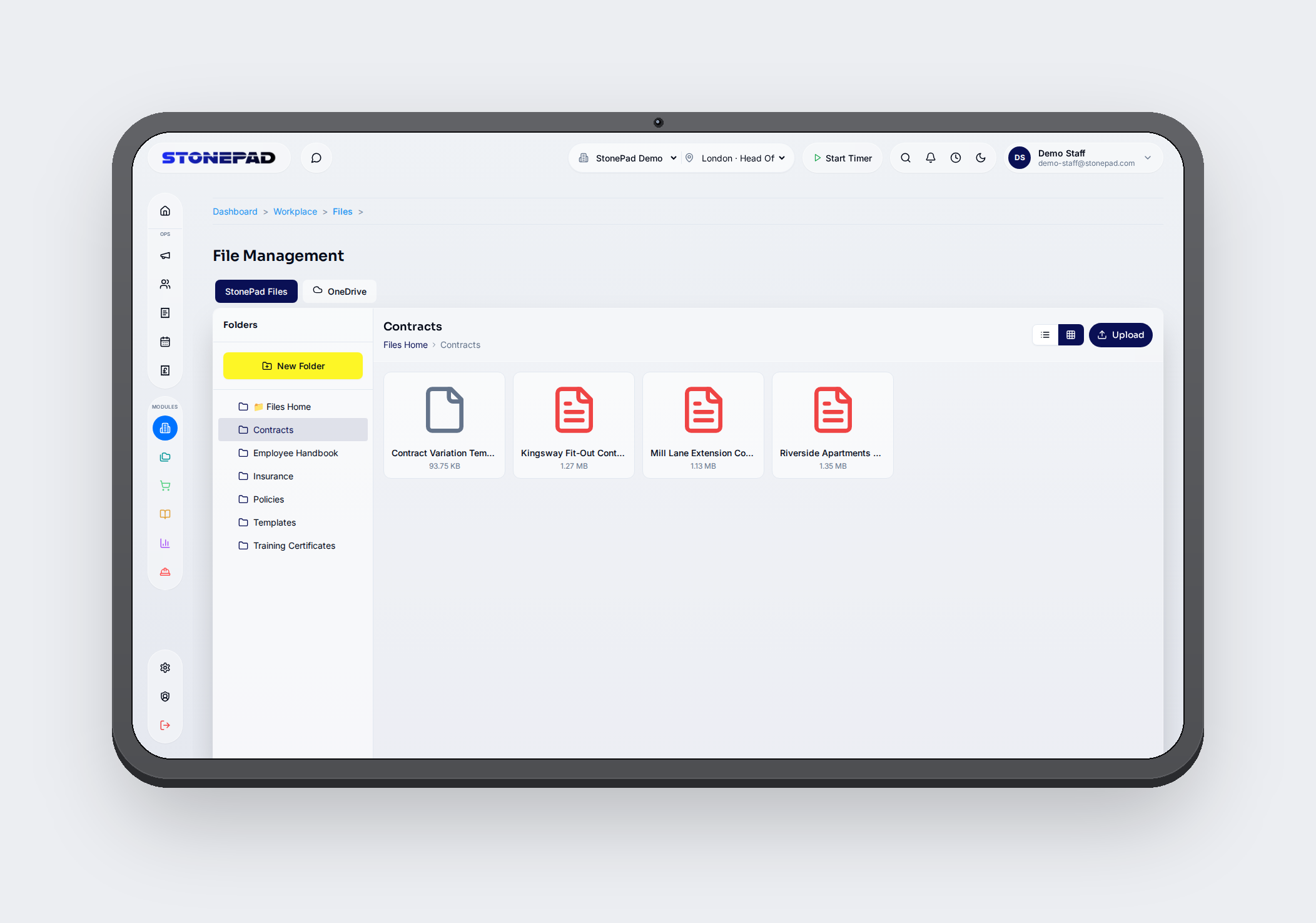
Keep PDFs in company folders such as contracts.
Upload and find
04
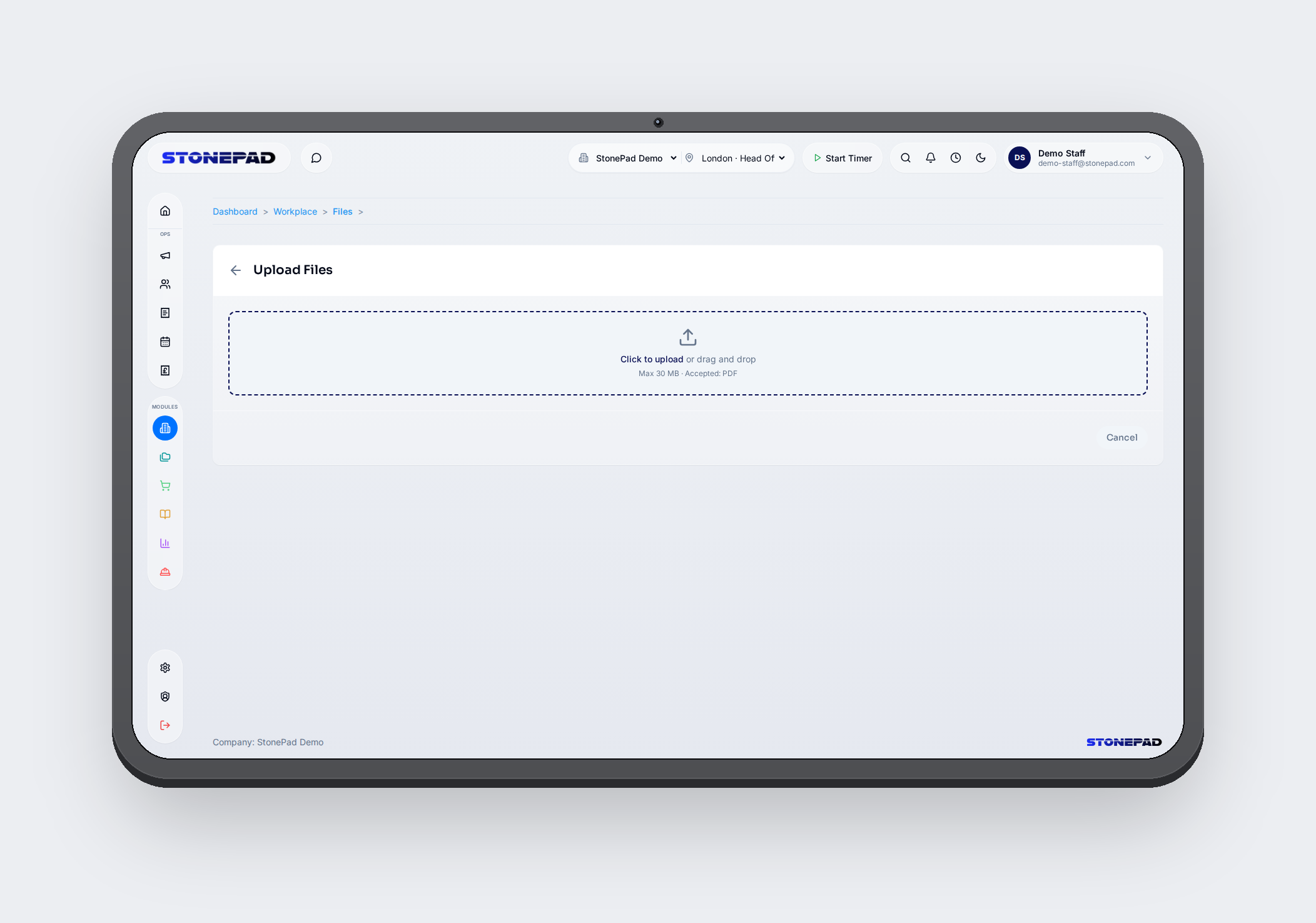
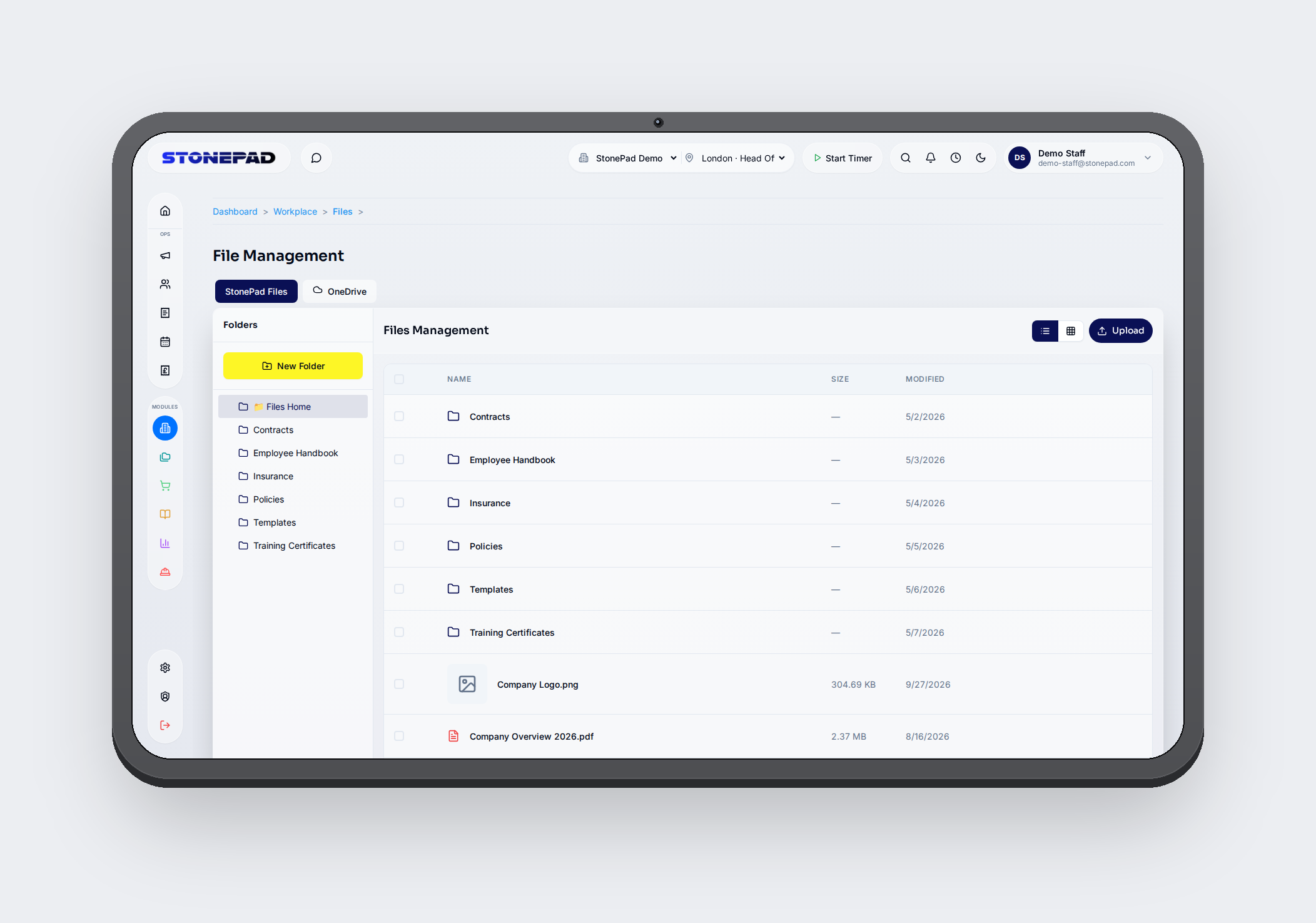
Upload PDFs up to 30 MB and browse files as a grid or list with size and modified date.


How It Works
Everything a company needs,
in one calendar and file store
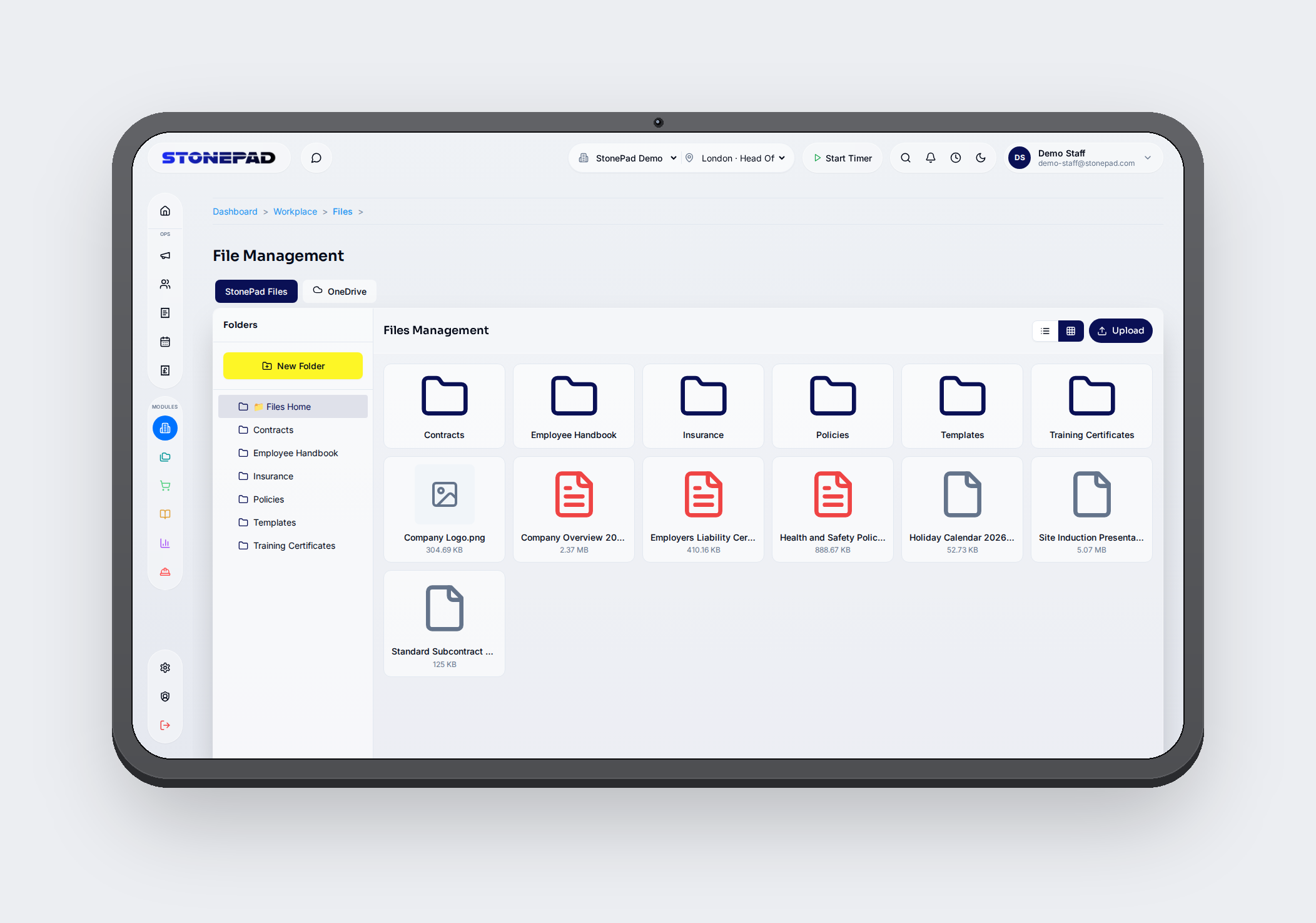
The Files area keeps documents in company folders. Upload PDF files up to 30 MB and browse them as a grid or a list showing size and modified date.
MONTH VIEW
See the month with colour coded categories and due dates
ADD EVENT
Set the calendar, time, location and assigned staff

Included in StonePad

WEEK & AGENDA
Switch to a week view or a simple daily agenda
COMPANY FILES
Keep documents in company folders
UPLOAD
Upload PDF files up to 30 MB
Gallery
See it in action
Take a look at some of the screenshots of this module in StonePad.

No items found.
Problems
Diaries on whiteboards, documents on laptops and nobody sure where the latest copy lives.
Diaries kept on whiteboards and phones
Due dates missed because they were not shared
Documents saved on one person's laptop
No idea where the latest contract is
Staff unsure who is going where
Solutions
One company calendar and one file store, so the team knows what is happening and where to find things.
A shared calendar with month, week and agenda views
To-do due dates shown beside events
Company folders for your documents
PDF uploads with size and modified date
Events assigned to the right staff
Ready to start?