
See how teams claim
mileage at HMRC
approved rates
Mileage rates applied automatically
HMRC
Amount worked out before you submit
Instant
Claims in the Expenses area
Expenses
Add a claim from your phone
Mobile



Working process
From a journey to
a claim, in four steps

Add a claim
01
Enter the date, the journey and the miles driven.
Rate applied
02
StonePad applies the HMRC approved mileage rate for you.
See the amount
03
The claim amount is worked out before you submit.
Submit with expenses
04
Claims sit alongside the rest of your expenses for approval.



How It Works
Everything a mileage claim needs,
with the right rate
Claims sit alongside your other expenses for approval, and can be added from a phone straight after the journey.
CLAIMS LIST
See every mileage claim with miles, rate and amount
HMRC RATES
Approved mileage rates applied automatically

Included in StonePad

NEW CLAIM
Enter the journey and see the amount worked out
EXPENSES
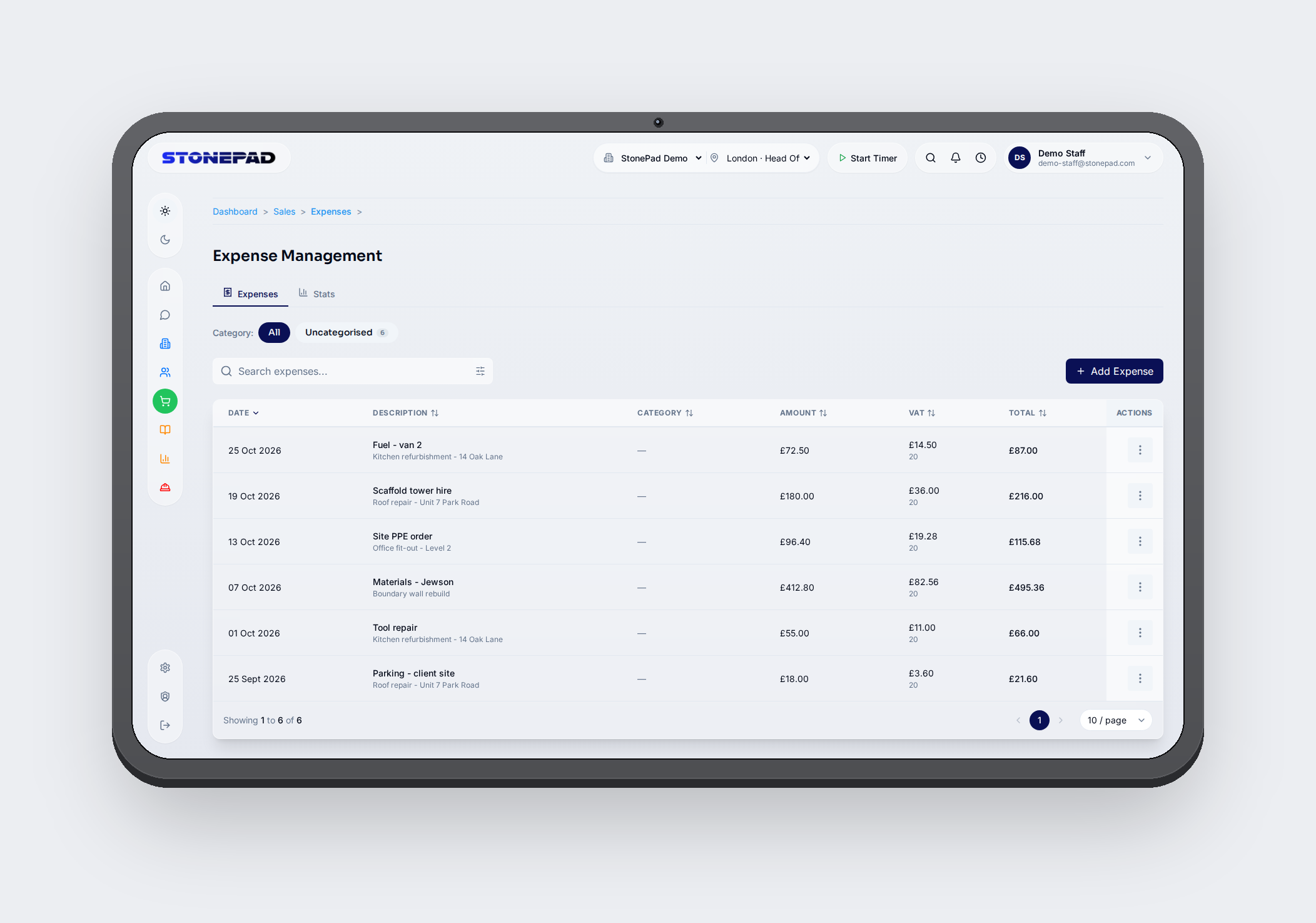
Mileage sits in the Expenses area with other claims
ON THE MOVE
Add a claim from your phone after the journey
Gallery
See it in action
Take a look at some of the screenshots of this module in StonePad.

No items found.
Problems
Mileage written in notebooks, rates looked up by hand and claims that arrive late.
Mileage written in notebooks
Rates looked up by hand
Wrong amounts claimed
Claims that arrive weeks late
Mileage kept apart from expenses
Solutions
Log each journey in StonePad, let it apply the HMRC approved rate and submit the claim with your expenses.
Journeys logged in seconds
HMRC approved rates applied for you
Amount worked out before you submit
Claims in the Expenses area
Claims added from your phone
Ready to start?