
See how contractors use
excavation records to
avoid underground services
Permits, scans, drawings and inspections
4 registers
Permit gated on a recorded scan
Gated
Inspections restart the weekly clock
Weekly
Excavations report as a PDF
1 click



Working process
From permit to a
recorded inspection

Draft the permit
01
Create the permit with its location, purpose, depth and support method.
Scan
02
Record the CAT and Genny scan with device, calibration and findings.
Issue
03
Issue the permit once the scan is on record.
Inspect
04
Log each inspection. The next one is due a week later.


How It Works
Everything safe digging needs,
in one section
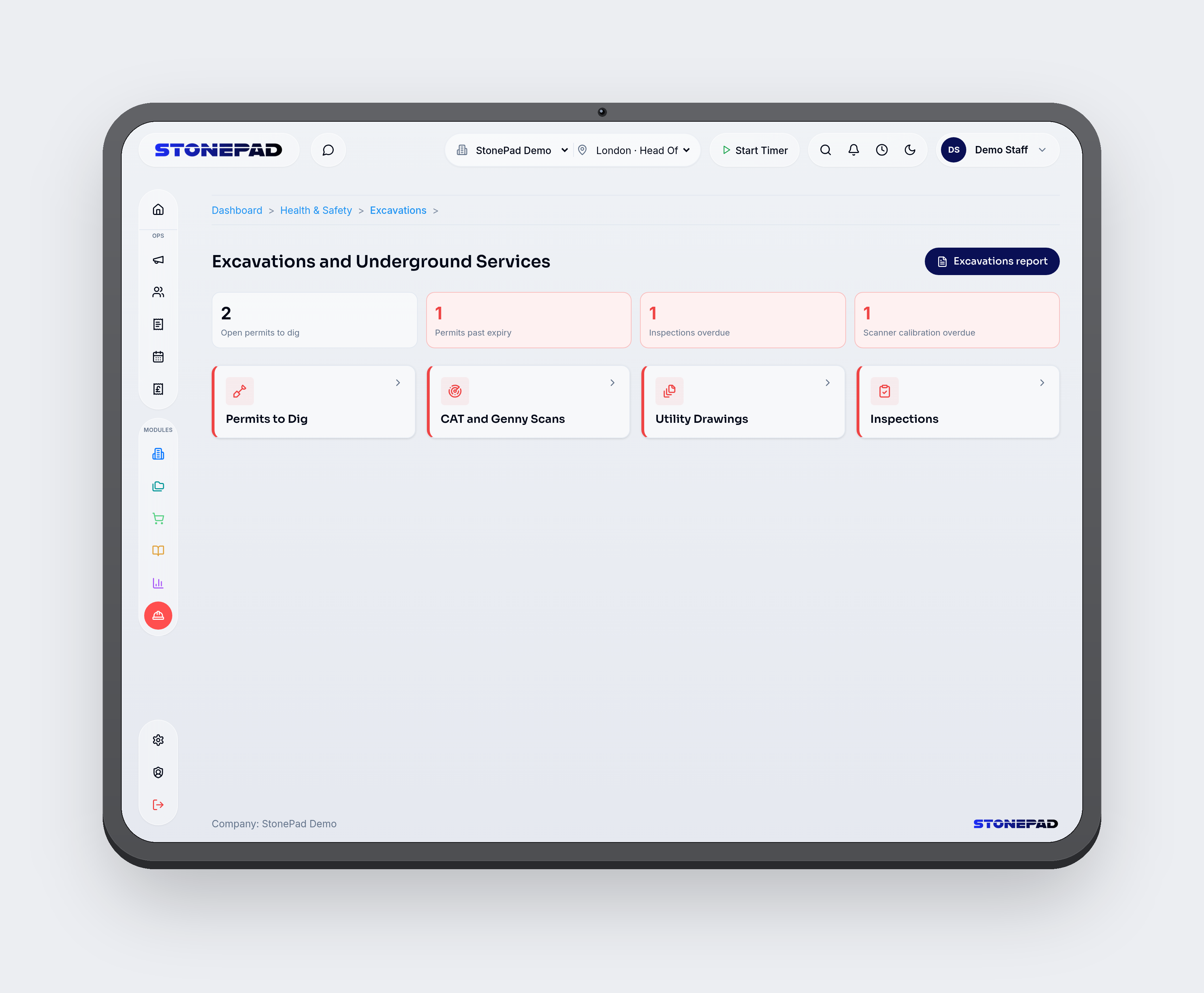
A permit to dig can only be issued once a scan is recorded. Log inspections against the permit and each one restarts the weekly clock.
PERMITS TO DIG
Every permit with location, depth, validity and next inspection
UTILITY DRAWINGS
Keep the drawings you relied on against the permit

Included in StonePad

CAT AND GENNY SCANS
Record the scan, the device and the services found
INSPECTIONS
Log weekly and after-event inspections with defects
EXCAVATIONS HUB
Open permits, scans and inspections from one place
Gallery
See it in action
Take a look at some of the screenshots of this module in StonePad.

No items found.
Problems
Digging without a recorded scan or a current inspection puts people next to live services.
Digging starts with no scan on record
Utility drawings lost or out of date
Inspections missed after rain or a change
Permits with no depth or support recorded
Nothing to show an inspector
Solutions
Permit, scan, drawings and inspections held together, with the scan gate and inspection clock built in.
Permit to dig with depth and support method
CAT and Genny scan recorded before issue
Utility drawings kept against the permit
Weekly and after-event inspections tracked
Excavations register as a PDF
Ready to start?